A meeting recording ran to several GB, so I wrote Tan Assistant
A meeting recording hit several GB, so I wrote Tan Assistant: a desktop app that keeps the audio and only the screen frames that change, then writes notes.

A video recording of an average half-hour meeting ran to several GB, and what I would get out of it was not worth that cost. But I did not want to lose what people showed on screen either. I built Tan Assistant to fill that gap: a desktop app I wrote in Rust that records the meeting’s audio and only the screen frames that change, and turns them into notes. The code is open, and the app is alpha for now.
Decisions that kept disappearing
On any given day I have to follow a lot of work across a lot of projects. (One of the biggest reasons is that AI has made producing things incredibly cheap, but that is a different post.) The result was that decisions made in meetings and tasks assigned there kept getting forgotten and drifting off into space.
About 10 to 12 months ago I started recording the screen and audio of the meetings I joined, after telling the participants.
Speeding it up was not enough
At first, at a convenient time after the meeting, I replayed the recording at 2 to 3 times speed, took the notes I needed and built my work plan. After 6 or 7 meetings I realized that however much I sped the recording up, producing the summary cost a serious amount of time, and that it was not sustainable.
Handing the summary to a model
I handed the summary to whisper and Qwen 2.5. I produced the transcript by hand, then gave it to Qwen through Ollama together with a system prompt I kept improving, and got a summary back. After a while that started to feel like an extra burden too.
The system had a more important problem: it left a large gap whenever someone shared a screen. An audio transcript does not carry what was shown on screen.
Frames, not video
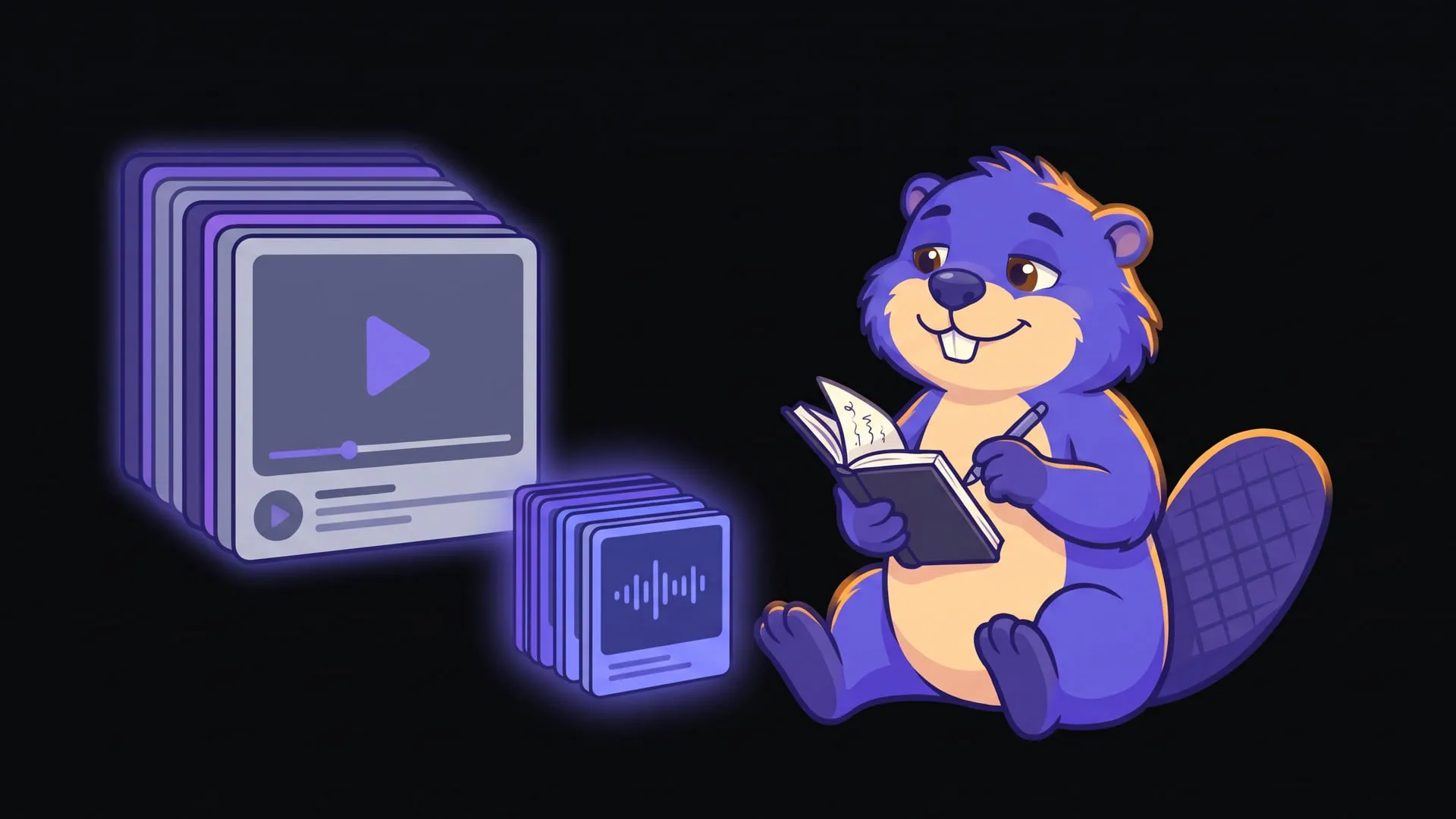
Recording video directly did not look reasonable either. If a half-hour meeting takes several GB, multiplying that by the number of meetings is not a price worth paying in the medium to long term. Instead I started taking screenshots by hand, and the result was finally satisfying.
One thing was left: turning it into automation. I set this weekend aside for it.
What Tan Assistant does today
I named it after Tan, this site’s mascot. The app had to be as light and stable as possible, so I chose Rust.
Today it does the following:
- Records the microphone and the system audio on separate tracks. From the screen it keeps not video but the frames that visibly change, because the size of the video was exactly my problem. It supports Windows, macOS and Linux.
- Transcribes locally with whisper (Vulkan or Metal on a GPU, otherwise the CPU), or with OpenAI or Gemini.
- Writes a note in the language you choose: a summary, the decisions made, action items you can check off and open questions, with the frames that were shown.
- Lets you write the note with OpenAI, Anthropic, Gemini, DeepSeek or a local Ollama. I keep API keys in the operating system’s keychain.
- Keeps recordings, frames and notes on your machine; cloud providers are used only for the tasks you assign to them.
- Searches across notes and transcripts and exports a note with its frames as Markdown.
On first launch it reminds you to tell the other participants before you start recording. I do that in every meeting myself.
Limits
Tan Assistant may not be an app everyone will love. For now it does one job that matters to me: pulling notes out of a meeting. It is still alpha (0.1.0); behavior, data layout and settings may change from one version to the next. I haven’t published an installable release either, so for now you build it from source.
I plan to add other features later. My aim is to design an integrated app that makes my work easier and handles whatever I can turn into automation. Meeting notes are the first step.
The code is on GitHub: muhammetsafak/TanAssistant. I described how the app is built in the Labs record.
Experiments on this topic
Tan Assistant: a desktop app that turns a meeting into notes from its audio and changing screen frames
An open-source desktop app in Rust and Tauri 2 records a meeting's audio and the screen frames that change, then writes a summary and action items.
What it does today
Records a meeting's microphone and system audio on separate tracks plus only the screen frames that change, then writes a note with a summary, decisions, action items and open questions. Anyone who wants meeting recordings turned into notes without keeping video can build it from source and try it.
Comments
Sign in with your GitHub account to join the discussion. Comments are stored in GitHub Discussions.