Laravel 5.2: Multiple Authentication Guards and Route Groups
How I manage multiple user types in a single Laravel 5.2 application using authentication guards and route groups, and the password reset gotcha I hit.

Written 10 years ago — it reflects the conditions of that time.
1 note was added later: October 12, 2026
One of my projects required separate login screens, separate panels, and separate authorization rules for both regular users and administrators. In Laravel 5.1, I had hacked together a solution: a custom middleware, custom session keys to keep sessions isolated. It worked, but it was far from clean.
Laravel 5.2 introduced multiple authentication support that addresses exactly this need. I’ve spent a few days digging into it, and this post summarizes what I learned.
What is a Guard?
A guard is the component of Laravel’s authentication system that answers the question: “which user table do we authenticate this request against?”
Before Laravel 5.2, the application had a single guard that always looked at the users table. Now, multiple guards can be defined in config/auth.php:
// config/auth.php

'guards' => [
    'web' => [
        'driver'   => 'session',
        'provider' => 'users',
    ],

    'admin' => [
        'driver'   => 'session',
        'provider' => 'admins',
    ],
],

'providers' => [
    'users' => [
        'driver' => 'eloquent',
        'model'  => App\User::class,
    ],

    'admins' => [
        'driver' => 'eloquent',
        'model'  => App\Admin::class,
    ],
],
With this configuration, the web guard looks at the users table and the admin guard looks at the admins table. Each guard maintains its own independent session — logging in through one does not affect the other.
Separating Routes with Route Groups
Once guards are defined, I need to specify which routes are protected by which guard. I do this using route group middleware:
// app/Http/routes.php

// Regular user routes
Route::group(['middleware' => 'auth:web', 'prefix' => 'hesabim'], function () {
    Route::get('/', 'AccountController@index');
    Route::get('profil', 'AccountController@profile');
});

// Admin routes
Route::group(['middleware' => 'auth:admin', 'prefix' => 'yonetim'], function () {
    Route::get('/', 'Admin\DashboardController@index');
    Route::get('kullanicilar', 'Admin\UserController@index');
});
The auth:web and auth:admin syntax tells the auth middleware which guard to use. Routes under /hesabim are now authenticated against the web guard, and routes under /yonetim against the admin guard.
Specifying a Guard in a Controller
You can also perform authentication checks directly inside a controller by specifying the guard explicitly:
<?php

namespace App\Http\Controllers\Admin;

use Illuminate\Http\Request;
use App\Http\Controllers\Controller;

class DashboardController extends Controller
{
    public function __construct()
    {
        $this->middleware('auth:admin');
    }

    public function index()
    {
        $admin = auth()->guard('admin')->user();

        return view('admin.dashboard', compact('admin'));
    }
}
The auth()->guard('admin')->user() call returns the currently authenticated user through the admin guard. The plain auth()->user() still uses the default guard (web).
Separating Login Controllers
The authentication flow also needs separate controllers. Laravel ships with a standard Auth\AuthController; for the admin, I copy it and define the guard property:
<?php

namespace App\Http\Controllers\Admin\Auth;

use App\Http\Controllers\Controller;
use Illuminate\Foundation\Auth\AuthenticatesUsers;

class AuthController extends Controller
{
    use AuthenticatesUsers;

    protected $redirectTo = '/yonetim';

    protected $guard = 'admin';

    public function showLoginForm()
    {
        return view('admin.auth.login');
    }
}
By defining the $guard property, I ensure the admin guard is used throughout the login flow. The AuthenticatesUsers trait handles the rest.
The Password Reset Gotcha
Login and authentication control flows work great with this approach. Password reset, however, can bite you if you’re not careful. Laravel’s default password reset flow is tied to the users table and the web guard. You need to configure it separately for admins.
You can define a separate broker for admins by editing the passwords section of config/auth.php (the admin password controller then selects it through a $broker = 'admins' property):
'passwords' => [
    'users' => [
        'provider' => 'users',
        'table'    => 'password_resets',
        'expire'   => 60,
    ],
    'admins' => [
        'provider' => 'admins',
        'table'    => 'password_resets',
        'expire'   => 60,
    ],
],
If you skip this, the admin password reset email looks at the wrong table — or doesn’t work at all. I caught this bug during testing rather than in development, which made it more annoying to track down.
My Observations
The best part of this approach is the complete isolation between the two user types. The admin session never bleeds into the regular user session. You can be logged in with both accounts simultaneously in the same browser — which is incredibly useful during development and testing.
Laravel 5.2 solves this need with a much cleaner API. Compared to my old solution, the resulting code is both smaller and more idiomatic.
One more note: when using multiple guards, pay attention to middleware ordering. If a route has both auth:web and other middleware, the order can matter. Middleware that checks whether a user is authenticated should come before middleware that performs operations exclusive to authenticated users — otherwise an unauthenticated request can hit the wrong middleware. For a small project this ordering may not matter, but as multi-step checks grow, it’s a good habit to test this behavior at least once.
Looking back at the hand-rolled middleware I wrote to solve the same problem before 5.2, I can see how much more accurately the framework models this concern. In my custom solution, both guards shared the same session key — so when an admin logged in, it would clobber the user session. It was a rare but real bug. Laravel’s per-guard session management eliminates it entirely.
Experiments on this topic
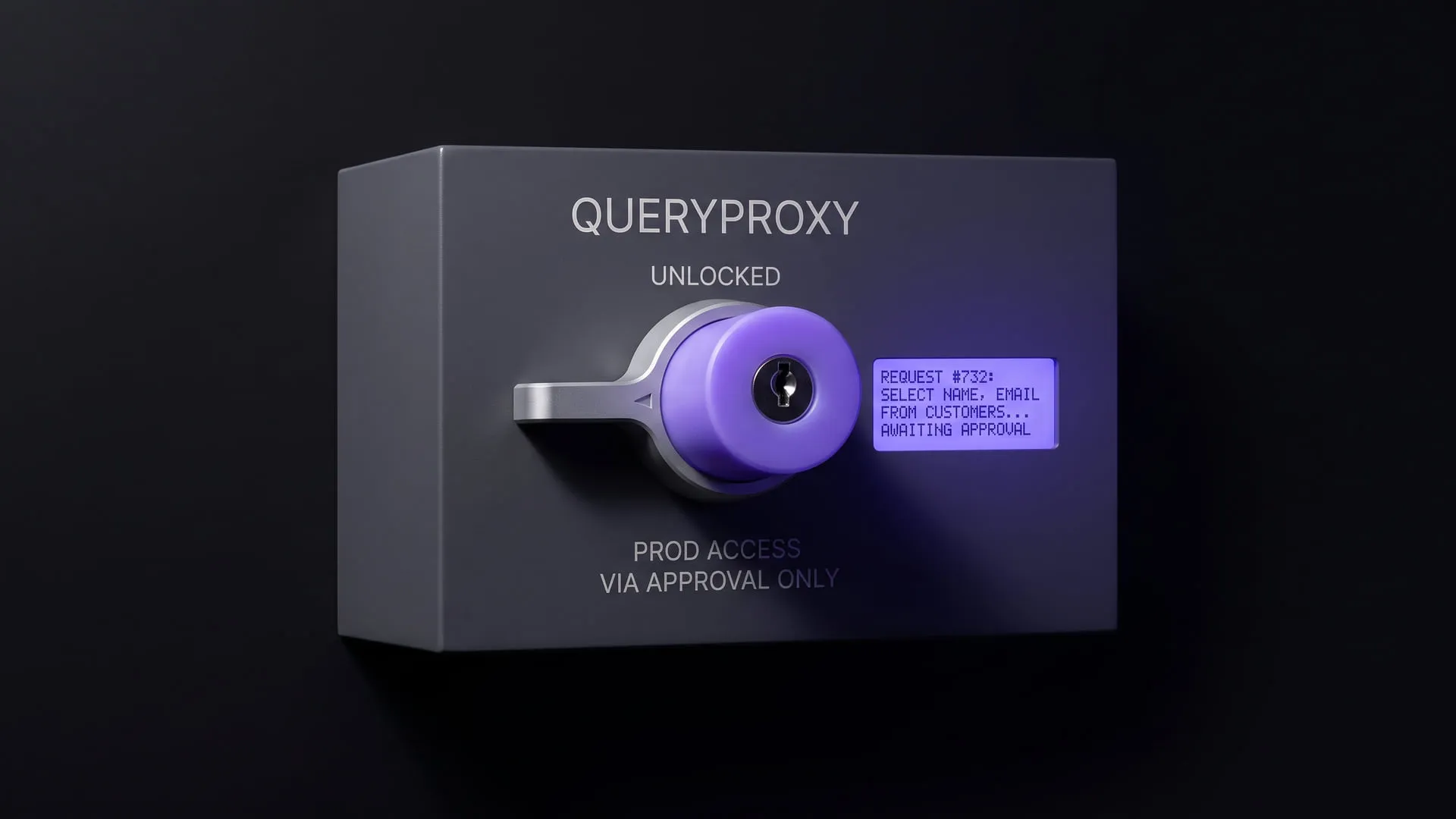
Reaching production data without handing out the password
Build notes on putting ad-hoc production SQL behind approval, masking and an immutable record so nobody has to hand out a password. It became QueryProxy.
What it does today
Runs a developer's SQL against production through an approval step rather than directly; results are masked as they are written to disk and every request lands in an immutable record. Teams where production access sits with one person can run it today.
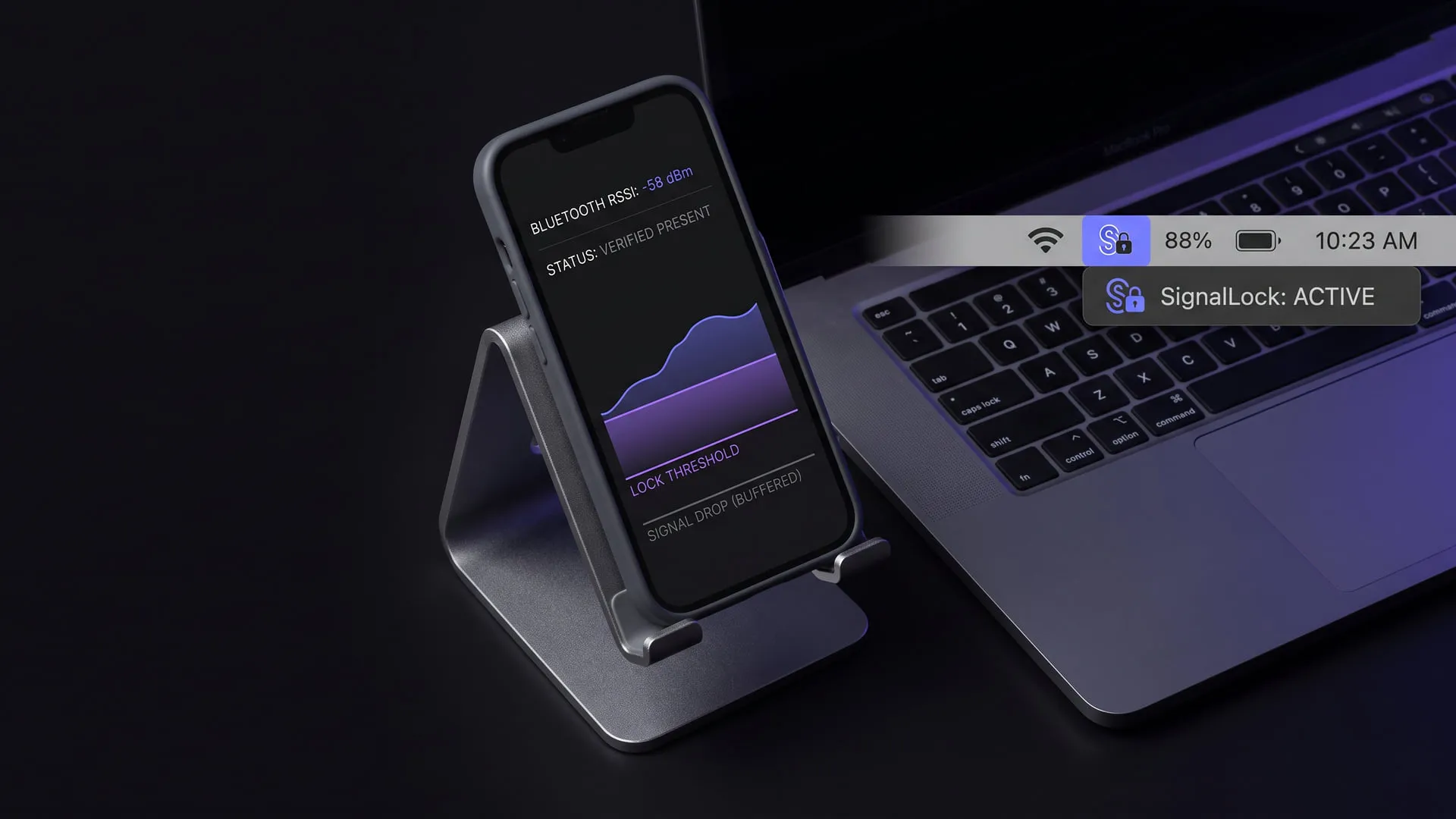
Screen lock by Bluetooth proximity: present/absent is not enough
Why a Bluetooth proximity lock needs a proximity assessment, not a raw present/absent signal; it shipped as SignalLock for macOS, Windows and Linux.
What it does today
Locks the screen on macOS, Windows and Linux when the device you carry moves away; the call rests on a proximity assessment rather than a raw present/absent signal, so fluctuation no longer produces false locks. The menu bar and system tray app is published on all three platforms and ready to install.
Comments
Sign in with your GitHub account to join the discussion. Comments are stored in GitHub Discussions.