HTTP Basic Authentication
What is HTTP Basic Authentication, how does it work, and when should you use it? A practical breakdown of the oldest auth mechanism in the web stack.
TL;DR
HTTP Basic Authentication sends a Base64-encoded username:password pair in the Authorization header of every request. Base64 is encoding, not encryption, so it is safe only over HTTPS, and it fits closed networks and staging rather than user-facing accounts.

HTTP Basic Authentication is one of the oldest authentication mechanisms on the web, specified since 1996 in RFC 1945: Hypertext Transfer Protocol — HTTP/1.0, May 1996, restated in 1999 in RFC 2617: HTTP Authentication: Basic and Digest Access Authentication, June 1999 and, since 2015, in RFC 7617: The “Basic” HTTP Authentication Scheme, September 2015, which obsoleted it. While OAuth and JWT-based solutions dominate most modern applications, Basic Authentication is still a legitimate tool — when used in the right context.
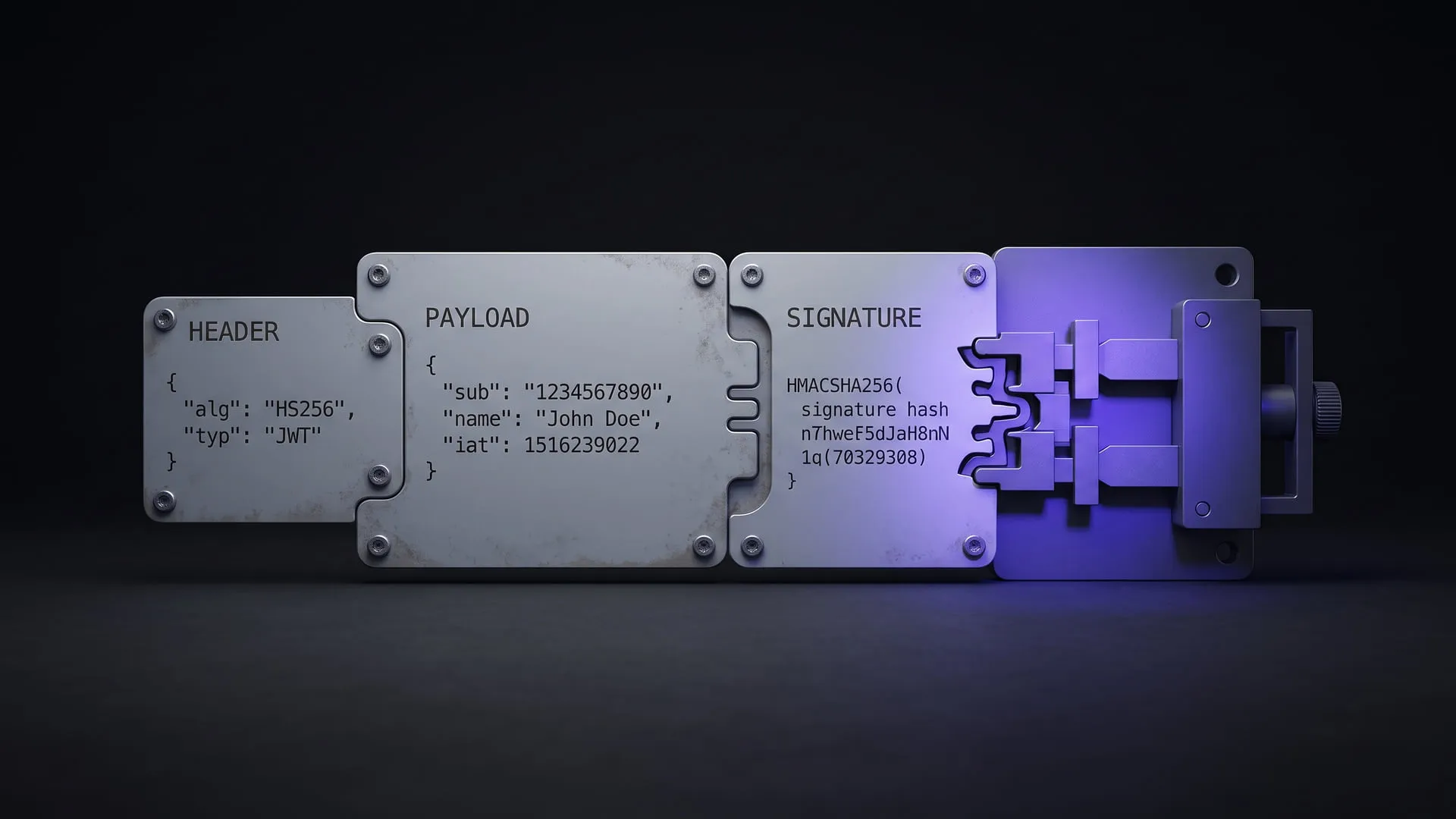
The mechanism is conceptually straightforward: a username:password string is Base64-encoded and sent to the server as an Authorization header on every request. The server decodes and validates it; if the header is missing or invalid, it returns a 401 Unauthorized response.
How Does HTTP Basic Authentication Work?
When a client attempts to access a protected resource, the flow goes like this:
- The server responds with
401 Unauthorizedalong with aWWW-Authenticate: Basic realm="..."header. - The client Base64-encodes the
username:passwordstring. - On the next request, it includes the
Authorization: Basic <encoded_string>header. - The server validates this header; if valid, it grants access to the resource.
One important point: Base64 is an encoding scheme, not encryption. It can be decoded trivially. This means using Basic Authentication without HTTPS is no different from sending your password in plain text. The specification says so itself: “The most serious flaw of Basic authentication is that it results in the cleartext transmission of the user’s password over the physical network” (RFC 7617: The “Basic” HTTP Authentication Scheme, September 2015, Security Considerations).
A minimal PHP example
const USERNAME = 'admin';
const PASSWORD = 'password';

function authenticate(string $username, string $password): bool
{
    return $username === USERNAME && $password === PASSWORD;
}

if (isset($_SERVER['PHP_AUTH_USER'], $_SERVER['PHP_AUTH_PW']) && authenticate($_SERVER['PHP_AUTH_USER'], $_SERVER['PHP_AUTH_PW'])) {
    echo "Hoş Geldin @" . $_SERVER['PHP_AUTH_USER'];
} else {
    header('WWW-Authenticate: Basic realm="Giriş Yapın"');
    header('HTTP/1.0 401 Unauthorized');
    exit;
}
$_SERVER['PHP_AUTH_USER'] and $_SERVER['PHP_AUTH_PW'] are two superglobals that PHP automatically populates by parsing the Authorization header. In framework-based projects, this parsing is typically handled by a middleware layer.
Where it fits — and where it doesn’t
The clearest wins for Basic Authentication: service-to-service communication on closed networks, quick access control in development and staging environments, and single-user protection layers for simple tools or dashboards.
The cases where you should avoid it are more obvious: anywhere user accounts are managed, where password reset or multi-factor authentication becomes necessary, or any scenario that requires token validity and revocation mechanisms.
Security considerations
Deploying without HTTPS is non-negotiable — that’s the first rule, full stop. Beyond that, a few practical measures:
- IP restriction or VPN requirement — exposing a protected endpoint only to specific source addresses significantly reduces the attack surface in the event of a credential leak.
- Rate limiting — capping the number of failed attempts within a given time window is the bare minimum defense against credential stuffing attacks.
- Strong, rotated credentials — if it’s not a password a human needs to remember, use a long, random value. It renders brute-force attacks pointless. Systems that use API keys as de facto Basic Authentication credentials should have a rotation strategy.
- Delay on failed attempts — deliberately adding a few hundred milliseconds of latency on authentication failure noticeably slows down automated brute-force tools, with negligible impact on the experience of legitimate users.
- Logging — every
401response should be recorded; repeated failed attempts should be monitored.
The same rotation question, asked of the credentials an application uses to reach a production database, is the subject of the “Credentials and Secrets” chapter of my book The Production Database Access Guide.
The value of simplicity
What makes Basic Authentication interesting among authentication mechanisms isn’t its technical depth — it’s the frictionless fit it provides in the right context. Standing up an OAuth consent flow just to let a service account hit an internal API is unnecessary engineering overhead. For an endpoint running over HTTPS, restricted at the network layer, and operating with a single private credential, Basic Authentication is sufficient — and more than sufficient.
The tool hasn’t changed. What has changed is knowing how to read the context correctly.
Experiments on this topic
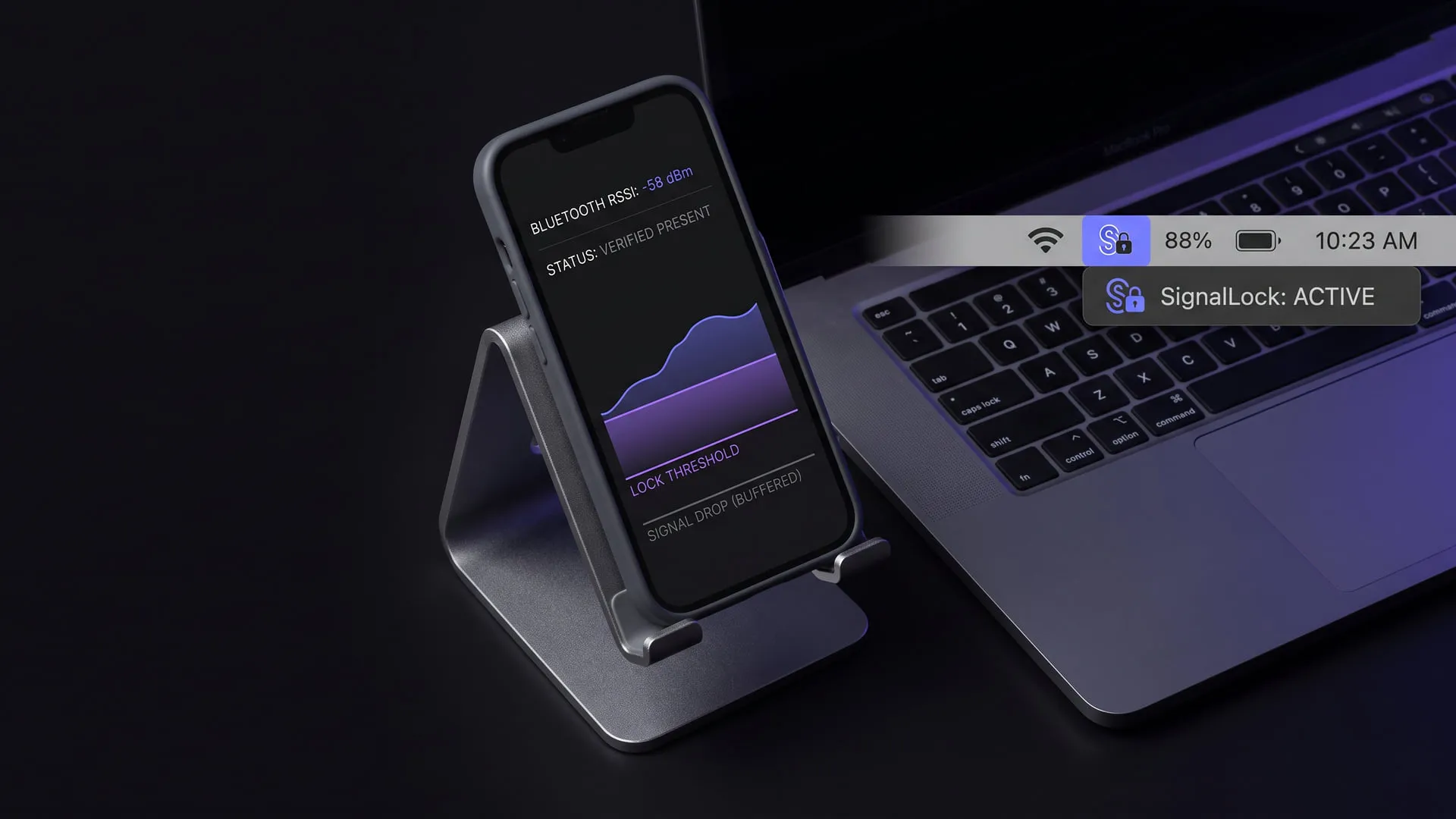
Screen lock by Bluetooth proximity: present/absent is not enough
Why a Bluetooth proximity lock needs a proximity assessment, not a raw present/absent signal; it shipped as SignalLock for macOS, Windows and Linux.
What it does today
Locks the screen on macOS, Windows and Linux when the device you carry moves away; the call rests on a proximity assessment rather than a raw present/absent signal, so fluctuation no longer produces false locks. The menu bar and system tray app is published on all three platforms and ready to install.

McpGuard: a rule-based security proxy for MCP traffic
A proxy between an agent and its MCP servers: scans results for injection, masks PII, enforces access and logs decisions to a hash-chained audit log.
What it does today
Sits between an agent and its MCP servers over stdio (`wrap`) or HTTP (`serve`), scans tool results and resource contents for prompt injection, masks personal data, enforces access by tool, role and dangerous capability combination, pins a server's tool definitions and writes every decision to a hash-chained audit log. Anyone wiring MCP servers into agents can try it by cloning and building the repository; it is not published on npm.
Comments
Sign in with your GitHub account to join the discussion. Comments are stored in GitHub Discussions.