Exception and Error Handling in PHP
A practical guide to PHP exceptions and error handling: try-catch-finally blocks, multiple catch clauses, custom exception classes, and global handlers.
TL;DR
PHP separates engine errors from exceptions you throw on purpose, and since PHP 7 both sit under the Throwable interface. A guide to try-catch-finally, multiple catch blocks, custom exceptions, global handlers, error levels, and why the @ operator is a trap.

PHP error handling runs through two distinct mechanisms: errors and exceptions. Understanding the difference between them is not just a technical detail — where you use each one directly affects how predictable your application behaves.
An error is a condition triggered by the PHP engine itself: an undefined variable, a division by zero, a call to a non-existent function. An exception, on the other hand, is an object that you or a library you are using deliberately throws, carries up the call stack, and can be caught. Starting with PHP 7, these two worlds largely unified under the Throwable interface — the Error class is now catchable too. The PHP manual defines it this way: “Throwable is the base interface for any object that can be thrown via a throw statement, including Error and Exception.” But that unification does not change the mental model: catching errors is mostly about building a safety net; exceptions are part of the business flow.
try-catch-finally
The basic structure is similar across languages; in PHP it looks like this:
function bolme(int $bolunen, int $bolen): float
{
    if ($bolen === 0) {
        throw new InvalidArgumentException("Sıfıra bölme.");
    }
    return $bolunen / $bolen;
}

try {
    echo bolme(10, 2) . "\n"; // 5
    echo bolme(10, 0) . "\n"; // exception fırlatılır
} catch (InvalidArgumentException $e) {
    echo "Geçersiz argüman: " . $e->getMessage() . "\n";
} finally {
    echo "Her durumda çalışır.\n";
}
Output:
5
Geçersiz argüman: Sıfıra bölme.
Her durumda çalışır.
A few points worth emphasizing.
I used InvalidArgumentException — not Exception. PHP’s SPL library offers a meaningful hierarchy: RuntimeException, LogicException, InvalidArgumentException, OutOfRangeException, and so on. Throwing a plain Exception gives the catch side no way to filter; you are essentially saying “something happened, not sure what.” Choosing the right exception type lets callers handle the error in a meaningful way.
The finally block runs regardless of whether an exception was caught. Typical uses: closing a database connection, releasing a lock, deleting a temporary file. Using return or a new throw inside finally is possible, but at that point the code becomes hard to follow — tread carefully.
Can one try block have multiple catch blocks?
You can write multiple catch blocks for different exception types on a single try block:
try {
    $sonuc = veritabanindenCek($id);
} catch (NotFoundException $e) {
    return null; // kayıt yok, normal durum
} catch (DatabaseException $e) {
    logger()->error($e->getMessage());
    throw new ServiceException("Veri alınamadı.", 0, $e);
}
The approach here is deliberate: NotFoundException silently returns null because “record not found” is not an error — it is an expected outcome. DatabaseException, however, is re-thrown one layer up as a more general exception, with the original exception preserved via the previous parameter. This is the standard way to add abstraction without losing the stack trace.
Since PHP 7.1, you can also combine multiple exception types in a single catch block. The PHP 7.1 migration guide puts it this way: “Multiple exceptions per catch block may now be specified using the pipe character (|).”
catch (NotFoundException | InvalidArgumentException $e) {
    // handle both types the same way
}
Custom exception classes
Writing your own exception classes enriches the error vocabulary of your application. A minimal example:
class PaymentFailedException extends RuntimeException
{
    private string $transactionId;

    public function __construct(
        string $transactionId,
        string $message = '',
        ?\Throwable $previous = null
    ) {
        $this->transactionId = $transactionId;
        parent::__construct($message, 0, $previous);
    }

    public function getTransactionId(): string
    {
        return $this->transactionId;
    }
}
Code that catches this class can call $e->getTransactionId(). You have concrete context you can feed directly into log records, alerting systems, or the response returned to the user.
This is especially valuable when writing libraries. If all exceptions produced by your library extend a single base exception, consumers can catch them all with one catch block whenever they need to.
Global exception handler
For uncaught exceptions, you can register a global handler using set_exception_handler():
set_exception_handler(function (\Throwable $e): void {
    logger()->critical($e->getMessage(), [
        'file' => $e->getFile(),
        'line' => $e->getLine(),
        'trace' => $e->getTraceAsString(),
    ]);
    http_response_code(500);
    echo json_encode(['error' => 'Beklenmeyen bir hata oluştu.']);
    exit(1);
});
Frameworks like Laravel and Symfony already manage this through their own Handler mechanisms. If you are working with bare PHP or writing a small library, this handler is critical.
Error levels and error_reporting
PHP’s native error system is a separate dimension. The basic rule: in development, keep all error levels visible; in production, route errors to a log and never display them to the user. Configuring this through php.ini is preferred, but in shared hosting environments where that access is unavailable, error_reporting() and ini_set() can step in at runtime:
// Geliştirme ortamı: her şeyi göster
error_reporting(E_ALL);
ini_set('display_errors', '1');

// Production: hataları gösterme, logla
error_reporting(E_ALL);
ini_set('display_errors', '0');
ini_set('log_errors', '1');
ini_set('error_log', '/var/log/php-errors.log');
PHP error levels use a bitmap structure:
| Constant | Value | Description |
|---|---|---|
E_ERROR | 1 | Fatal runtime error; execution stops. |
E_WARNING | 2 | Non-fatal runtime warning. |
E_PARSE | 4 | Parse error; generated by the parser. |
E_NOTICE | 8 | Notice of a possible issue; e.g. undefined variable. |
E_STRICT | 2048 | Forward-compatibility suggestions. |
E_ALL | 32767 (30719 as of PHP 8.4) | All errors and warnings. |
You can combine and exclude levels with bitwise operators:
error_reporting(E_ALL & ~E_NOTICE & ~E_STRICT);Why should you avoid the @ operator?
In PHP, the @ operator suppresses the errors generated by the expression it precedes (since PHP 8.0 it no longer silences fatal errors: “The @ operator will no longer silence fatal errors (E_ERROR, E_CORE_ERROR, E_COMPILE_ERROR, E_USER_ERROR, E_RECOVERABLE_ERROR, E_PARSE).”). It works technically; in practice it is a significant anti-pattern.
// Don't do this
echo @$tanimsizDegisken;

// Do this instead
echo $tanimsizDegisken ?? '';
The @ operator hides a problem — it does not solve it. A real error slips through silently, and you end up spending hours debugging. With Xdebug’s xdebug.scream setting, @ can even be disabled entirely; the Xdebug documentation says: “If this setting is 1, then Xdebug will disable the @ (shut-up) operator so that notices, warnings and errors are no longer hidden.” Null coalescing (??), isset(), or proper exception handling is always the cleaner choice.
PHP 7 and later matured exception handling considerably. The Throwable unification, exception chaining via the previous parameter, union catch blocks — these are all part of that progress. But the core idea has not changed: an exception represents a situation that is not “unexpected” but unpredictable. What you can foresee, you handle with if/else. What you cannot, you wrap in an exception hierarchy and communicate meaningfully. Adopting this as a mental model clarifies exactly what each catch block should capture and what it should do with it.
Sources
Frequently asked
6 questions
-
What is the difference between an error and an exception in PHP?
An error is a condition triggered by the PHP engine itself, such as an undefined variable or a division by zero. An exception is an object that you or a library deliberately throws, carries up the call stack and can be caught. Since PHP 7 the two worlds largely unified under the Throwable interface, so Error is catchable too.
-
Can one try block have multiple catch blocks?
Yes, you can write multiple catch blocks for different exception types on a single try block. In my example a not-found exception returns null, because a missing record is an expected outcome, while a database exception is re-thrown as a more general one with the original preserved through the previous parameter. Since PHP 7.1 you can also combine several exception types in one catch block with the pipe character.
-
What does the finally block do?
It runs regardless of whether an exception was caught. Typical uses are closing a database connection, releasing a lock or deleting a temporary file. Using return or a new throw inside finally is possible, but the code becomes hard to follow, so tread carefully.
-
Why write custom exception classes?
They enrich the error vocabulary of your application. Code that catches your class can read concrete context, such as a transaction ID, and feed it into log records, alerting or the response returned to the user. In a library, if all exceptions extend a single base exception, consumers can catch them all with one catch block.
-
How should errors be shown in development and in production?
In development, keep all error levels visible. In production, route errors to a log and never display them to the user. Configuring this through php.ini is preferred, but where that access is unavailable, error_reporting() and ini_set() can do it at runtime.
-
Why should you avoid the @ operator?
It hides a problem instead of solving it. A real error slips through silently and you end up spending hours debugging. Since PHP 8.0 it no longer silences fatal errors, but it remains an anti-pattern. Null coalescing, isset() or proper exception handling is always the cleaner choice.
Experiments on this topic
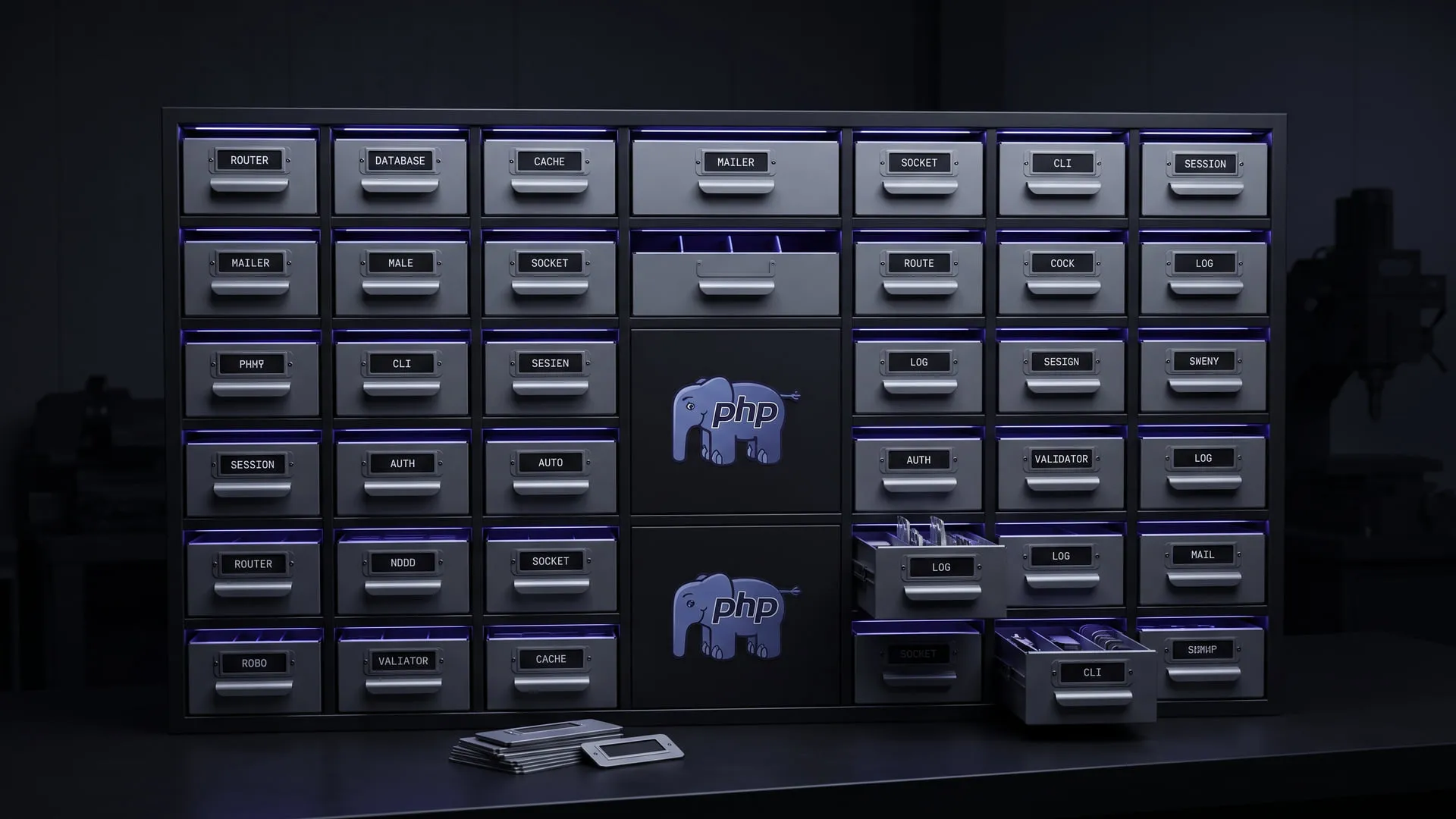
PHP packages that stand alone and still work together
How a family of over 30 PHP packages stayed usable standalone and together, and why the Lab record closed while the packages stay maintained.
What it does today
A family of over 30 PHP packages — Router, Database, Cache, Mailer, Socket and the rest — each usable standalone or together, all shipped through Composer/Packagist under MIT. Any PHP developer who wants the pieces without buying into a framework can install them today.
Comments
Sign in with your GitHub account to join the discussion. Comments are stored in GitHub Discussions.